
Hookai · AI Rap Video Generator
AI Rap Video Generator — One Photo to a Rap Video With Audio
Drop in one group photo (or two separate ones), pick a vibe, and get a short vertical rap video with real vocals and a beat — ready for TikTok, Reels and YouTube.
No editing skills · clips up to 15s · failed renders refunded
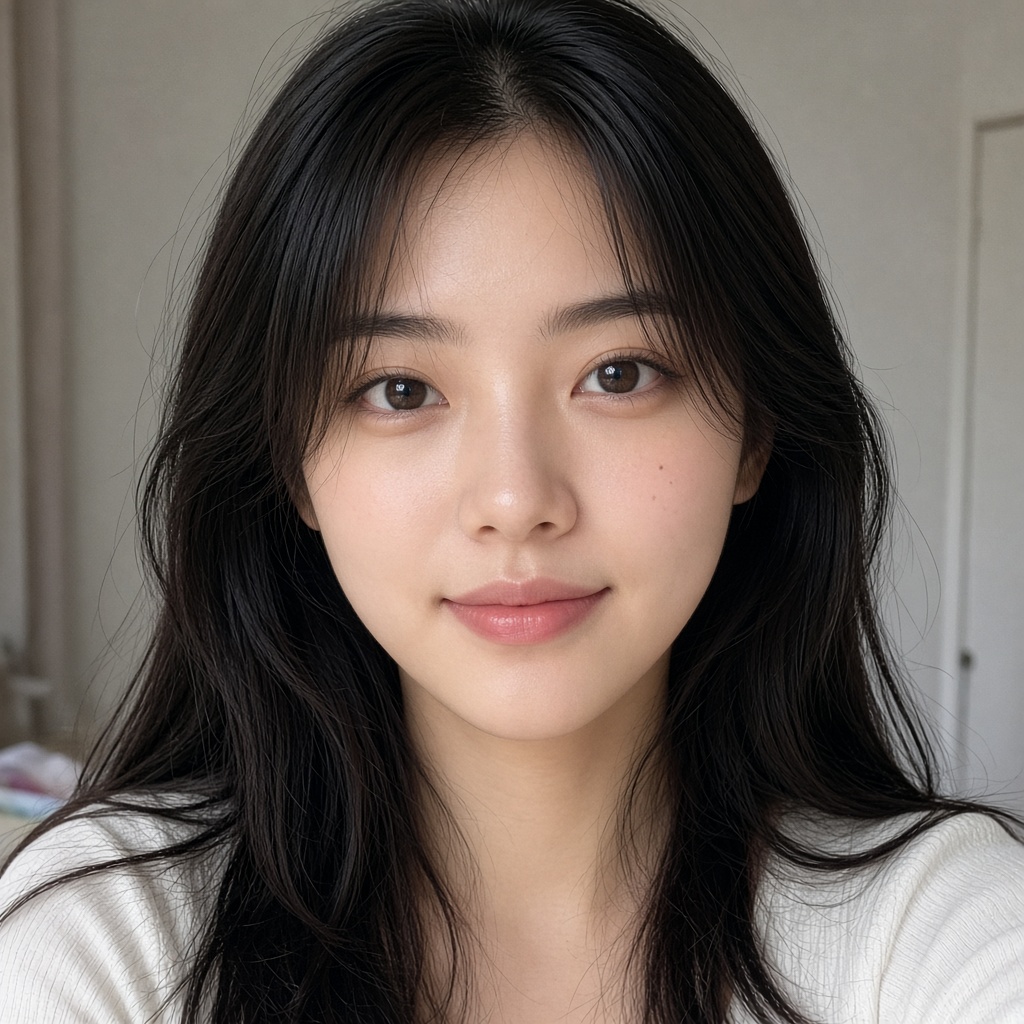
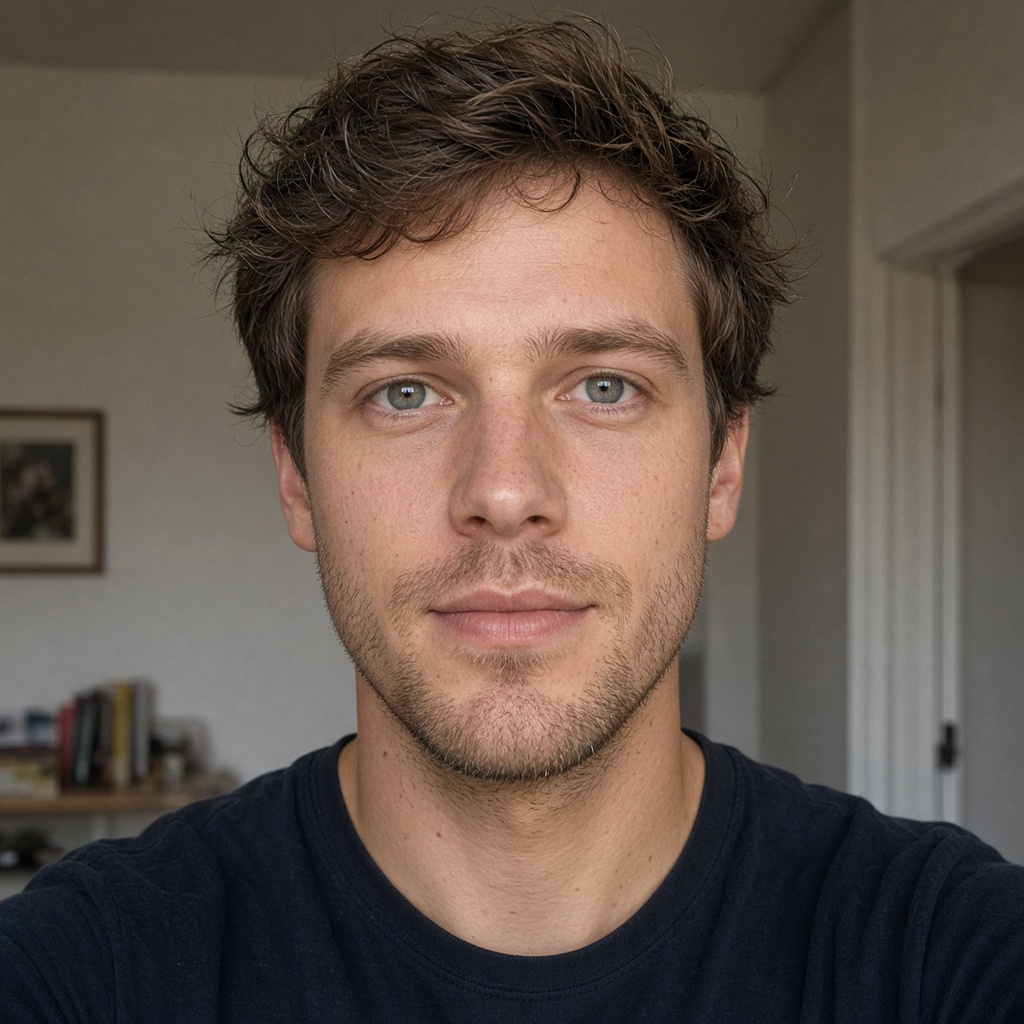
What you get
Three live sample clips below — street, studio booth, and duo. Each panel is a real Hookai render.
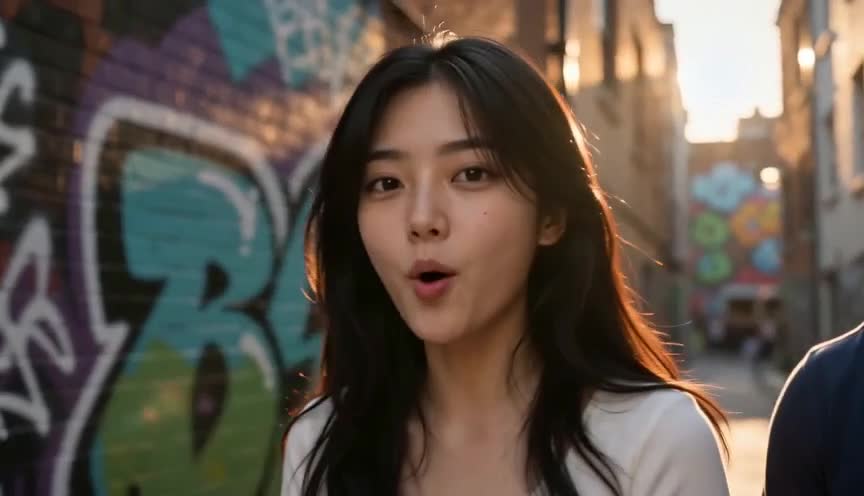
Street cypher
Streetlights and graffiti walls, bars landing on the kick, framed vertical for a short-form drop.
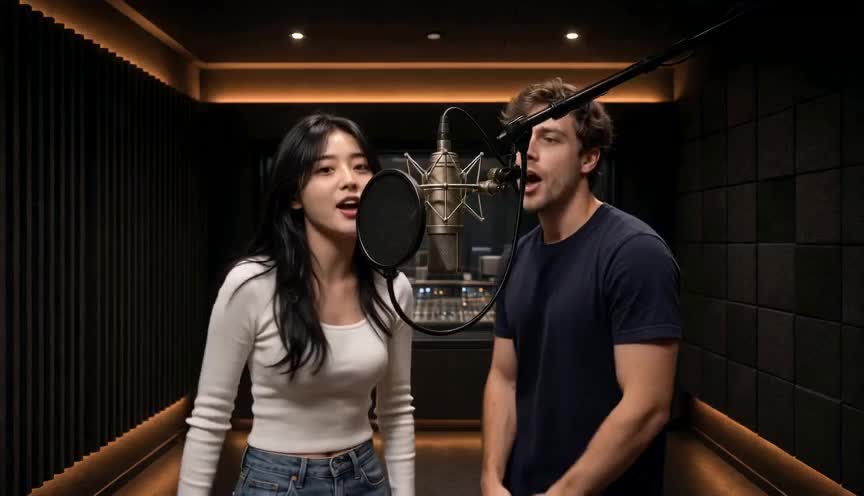
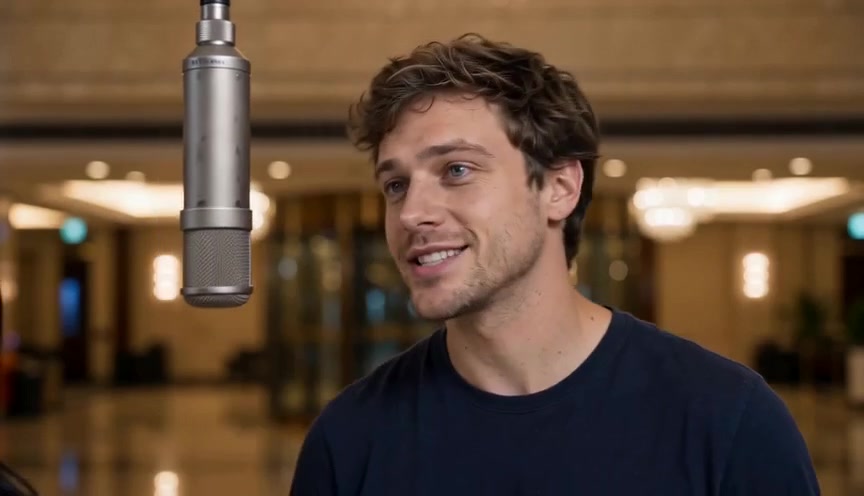
Studio take
One take in the booth, lip-sync on the hook, cut to the beat instead of to a template.
Duo track
Two photos trading verses in one shared frame — same faces all the way through.
How AI rap videos get made
Three steps. No timeline, no plugins, no render farm.
- 1
Who's in the video?
Upload one group shot, or two selfies for a duo. One clear, front-facing, well-lit face each — permissioned faces only.
- 2
Pick a vibe, model and length
Choose a birthday or team theme (or write your own), then the model, resolution, aspect ratio and length — 5 to 15 seconds. The hotel-lobby scene stays fixed.
- 3
Hit generate, then post
We render a rap performance with its own vocals and beat. Download the MP4 and post it to TikTok, Reels or Shorts — no editing required.
Built for rap, not generic music videos
We are building these for rap creators — each one lands as it is finished, not before.
Photos to rap video
Upload one group photo or two separate photos, pick a theme and an aspect ratio, and the model renders a short rap performance in the fixed hotel-lobby scene.
Native rap audio
The video is generated with its own vocals and beat, so there is no track to upload and no lyrics to paste. No audio upload needed.
Photo cast and character lock
A front-facing selfie becomes the rapper, and the same face stays consistent across every shot — plus an optional second cast for duos.
Lip-sync performance
Mouth shapes on the beat with head nods and natural hand gestures. We will not publish a phoneme-accuracy percentage until it is measured.
Beat-aware cuts
Cuts and energy follow the drop and the hook, so the edit reads as a rap video instead of a slideshow.
Shot regenerate (planned)
Coming later: fix one weak shot without burning a full re-render. Not in the UI yet.
Export for social
9:16 vertical by default, plus 16:9 for YouTube and 1:1 for feeds. Clips run 5–15 seconds; resolution tiers are 480P and 720P (Fast renders cap at 720P).
Pricing
One-time credit packs. No subscription, and your credits never expire.
Starter
11 credits — one 10s Standard video
- 11 credits
- Up to 1 videos (9:16 · 5–15 s)
- 480P or 720P — pick per video
Creator
50 credits — five 10s Standard videos
- 50 credits
- Up to 5 videos (9:16 · 5–15 s)
- 480P or 720P — pick per video
- Credits never expire
Pro
100 credits — ten 10s Standard videos, best value
- 100 credits
- Up to 10 videos (9:16 · 5–15 s)
- 480P or 720P — pick per video
- Credits never expire
Credits per 10s clip: Standard 10 · Fast 16 · Pro 18 · Ultra 30 · Standard is 1 credit per second · credits never expire
Product details: a limited free preview, no watermark on paid exports, and a stated maximum video length per plan.
AI rap video generator FAQ
Straight answers about photos, themes, models, credits, lip-sync and rights.
Answers below cover the questions creators actually ask about AI rap videos, and how Hookai is being built. Not legal advice.
How do I make an AI rap video?
On Hookai: upload one group photo or two selfies, pick a scene and a theme, choose model, resolution (480P or 720P), aspect and length (5–15s), then hit Render our rap. The clip comes with its own vocals and beat — no lyrics to paste and no track to upload. The classic DIY path online (write lyrics → song tool like Suno → video lip-sync → CapCut) is what Hookai replaces in one flow.
Can I paste lyrics or upload a finished track?
Not in the UI yet — lyrics paste and track / Suno upload are planned. Today you pick a theme (or write your own verse prompt); Hookai generates the rap audio together with the video.
Can I make an AI rap video from a photo or selfie?
Yes. Use a clear, front-facing, well-lit photo with no heavy filters or sunglasses. Hookai casts that face as the on-screen rapper and lip-syncs it to the vocal. Photo-to-rap clips are already a popular trend format.
Does Hookai work with Suno tracks?
Not yet in the UI. Pasting a Suno link or uploading an MP3/WAV is planned. Today Hookai generates its own vocals and beat with the video, so you do not need a Suno file to render. You must have rights to any audio you later import once that feature ships.
How is this different from Suno?
Suno and similar tools generate music and vocals — the boombox, not the camera. Hookai is an AI rap video generator: photos + theme → visuals with native rap audio and export. A future Suno import is planned so you can bring your own track; today audio is generated with the clip.
Will lip-sync keep up with a fast rap flow?
Lip-sync works best with a clear, front-facing, well-lit photo. Heavy filters, sunglasses, side profiles or busy group shots weaken it. We will not publish a phoneme-accuracy percentage until it is measured.
Do I need video editing skills?
No timeline editing required. One-click Render our rap gives you a finished short clip. CapCut is optional if you want to stitch several clips later. Shot-level regenerate is planned, not in the UI yet.
Is there a watermark? What is free?
Expect a limited free preview that may be lower resolution and/or watermarked, with paid exports without a watermark. Competitor norms are useful references only — we will not copy their numbers unless the product actually matches.
Can I use the video commercially or monetize it on YouTube and TikTok?
Paid packs grant commercial use of the video Hookai generates. You still need rights to the likeness in the photos you upload, and platforms may require AI disclosure. This is not legal advice.
Who owns the copyright — me or Hookai?
Paid users keep the rights to the videos they generate and may use them for personal and commercial promotion (ads, social, client marketing for your own brand or business) — they may not resell them as a competing AI video service. Your inputs stay yours. The exact wording lives in the Terms of Service.
What is the best AI music video generator for rap?
“Best” depends on the job: full-song cinematic control (e.g. Neural Frames), one-click performance from a link (Freebeat), storyboard plus photo cast (Solmi), short vertical lip-sync with captions (AIRapGen). Hookai’s aim is rap-native speed from photo(s) + theme without a multi-app stack. We make no “#1” claim.
How long can the video be?
Hookai clips run 5–15 seconds (default 10s). Competitors often range from roughly 20–60 second short-form clips to multi-minute paid renders.
What aspect ratios and resolutions are supported?
9:16 for TikTok, Reels and Shorts, plus 16:9 and 1:1. Available now: 480P and 720P. 1080P is planned once rendering supports it.
Can I upload someone else’s face or a celebrity?
Only with permission. No minors without guardian consent, and no deceptive deepfakes or harassment. Celebrity likeness misuse is a real public controversy, so Hookai should refuse or warn.
Why did my lip-sync look wrong?
Common causes: a blurry or side-facing photo, heavy filters, sunglasses, or too many faces in one frame. Use a clear front-facing selfie or a clean group shot, then re-render.
From the blog
All postsPhoto Cast Tips for AI Rap Videos
The photo you upload decides how the rapper looks on screen. A short, practical checklist for picking a cast photo that survives lip-sync and beat-aware cuts.
Suno vs Hookai: Song Generator vs AI Rap Video Generator
Suno makes the song, not the video. Here is how the two fit together — what Hookai does today from a photo and a theme, and how a Suno track would plug in later.